
How the app works
Take a photo, check what it found, save. Here's what happens in between, and what the app does with your week.
Logging a meal
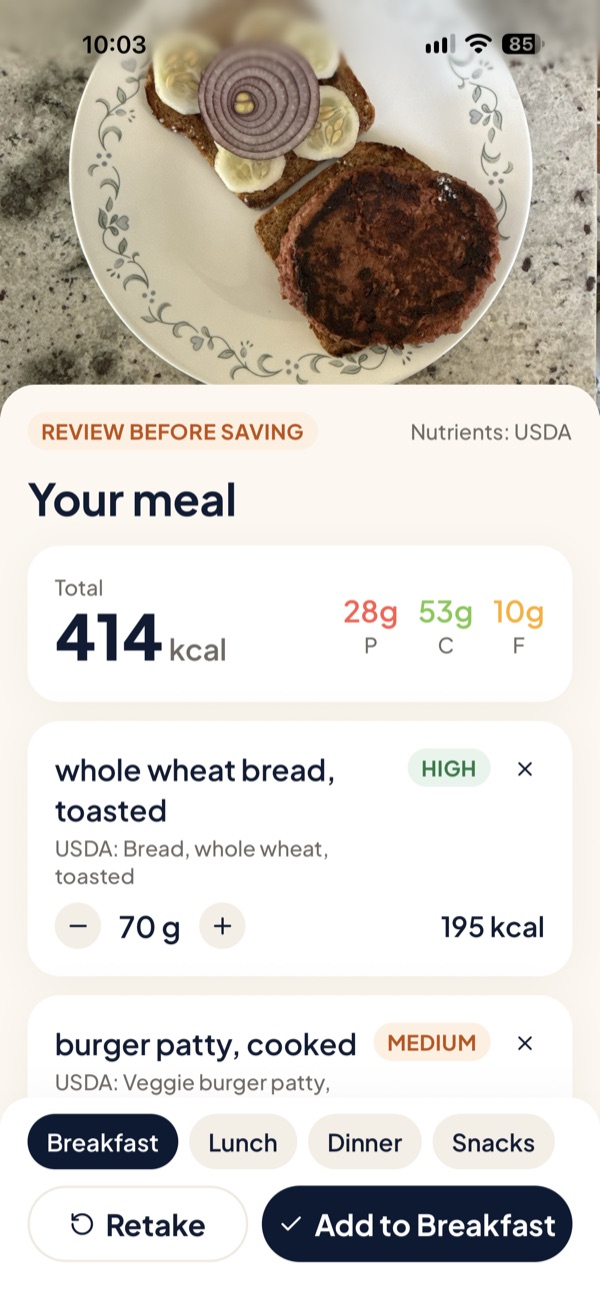
Take a photo of your plate, or choose one from your library. The first time, the app asks whether it may analyze your photos; nothing is sent before you agree.
A few seconds later you’ll see a list: each food it recognised, a portion in grams, and how confident it is about that item. Mixed plates, snacks and drinks all work. Some things are hard to judge from a photo, like the oil in a curry or the depth of a bowl, so look over the list and fix anything that’s off. Changing a food or its grams takes one tap. Nothing is saved until you say so.
Once you save, the nutrients come from the USDA food database, matched to each food. That covers calories, protein, carbs and fat, and other nutrients such as fiber. The AI never supplies those numbers.
If you’d rather type, you can search the database, scan a barcode or add your own foods.
Your plan
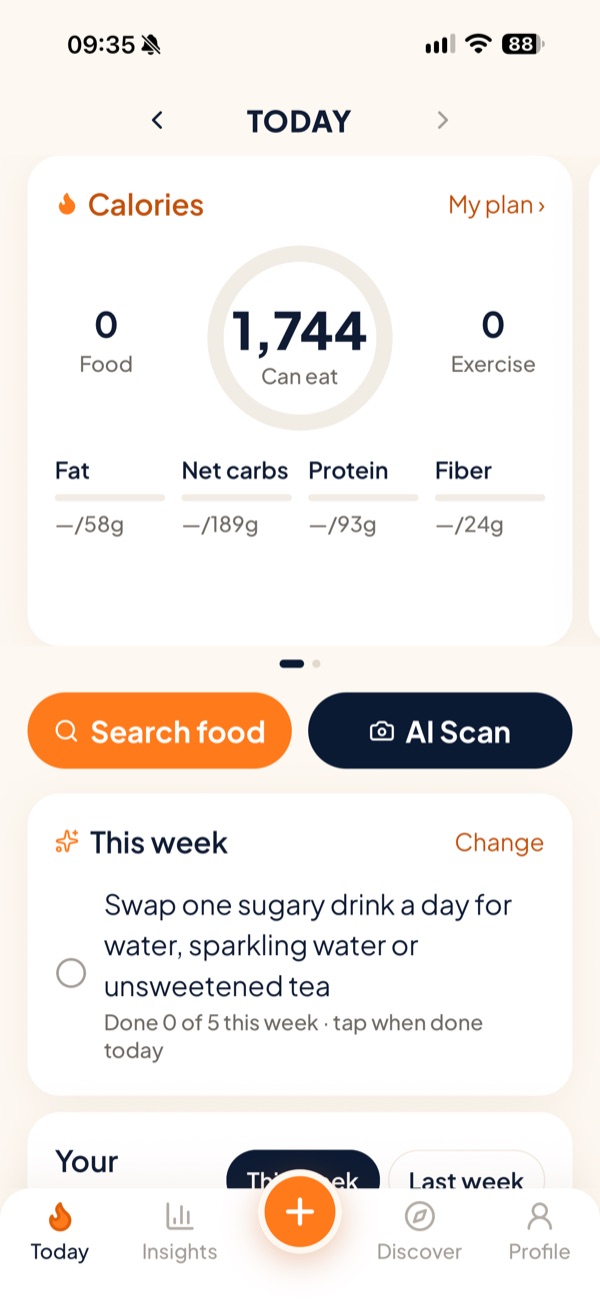
When you set up the app, you tell it your goal: losing weight, keeping it steady, gaining, eating more protein, or keeping your blood sugar steadier. It gives you daily targets for calories and the main nutrients.
Once a week there’s a short check-in. The app looks at how the week actually went, what you ate, your weight if you track it, and suggests one or two small, specific changes. You can accept them, change them or skip them. Your plan never changes behind your back.
Apple Health
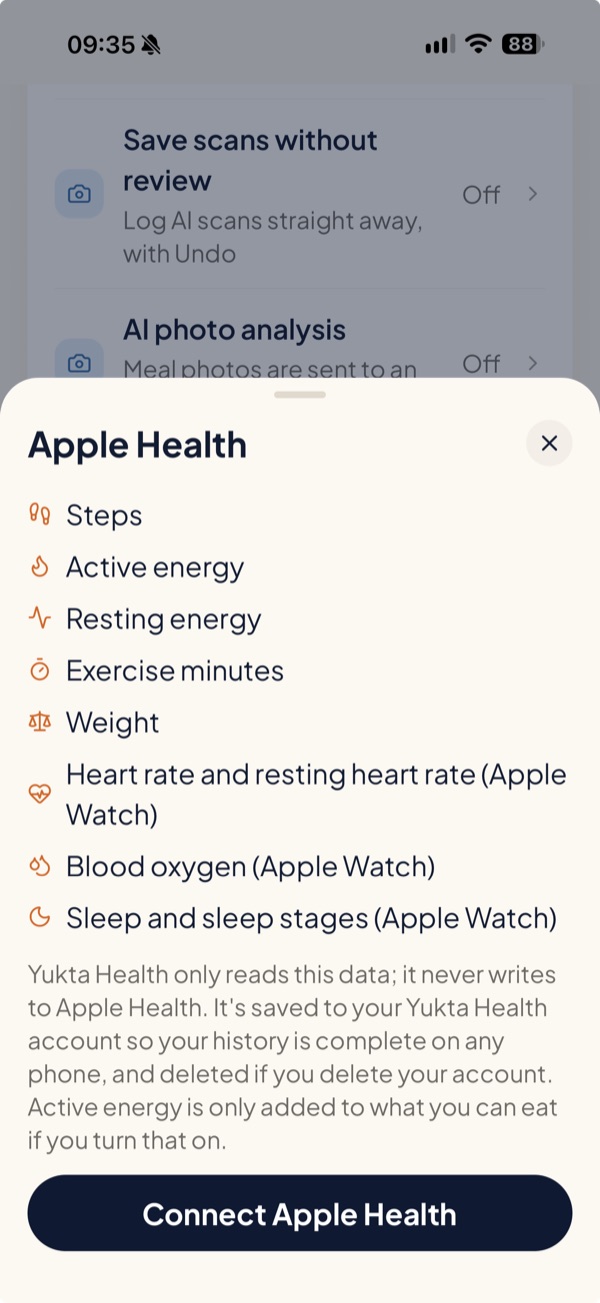
If you use Apple Health, you can let the app read your steps, activity, weight, blood glucose and a few other measurements, and see them next to your meals. It’s optional and read-only. The app works fully without it.
How it’s different from other AI calorie apps
A lot of newer apps send your photo to an AI model and show whatever calorie number comes back. It looks precise, but there’s no database behind it, and you can’t tell when the model is unsure.
We use AI for the part it’s good at, recognising food, and a real food database for everything else. The app shows its confidence for each item instead of hiding it, and it never fills a missing nutrient with a guess.
We also don’t make money from your data. There are no ads and no third-party trackers in the app. Logging is free, and Plus only adds unlimited photo scans.
Free and Plus
The free version includes everything except unlimited scanning: you get 3 photo scans a day, plus search, barcode and manual logging, your plan and the weekly check-ins. Yukta Health Plus removes the scan limit for $3.99 a month or $44.99 a year, and you can try it free for a week.
Yukta Health gives general nutrition guidance and is not medical advice.